Windows Server - First Login Errors
If you get the following error message the first time you access Windows after installation, your client has been negotiating with the server for network-level authentication. However, network-level authentication is executed before a remote desktop session has even been created.
That means you cannot change the password you are forced to use during the first login.
Follow these steps:
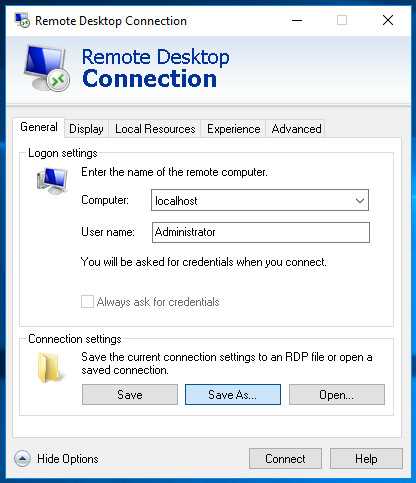
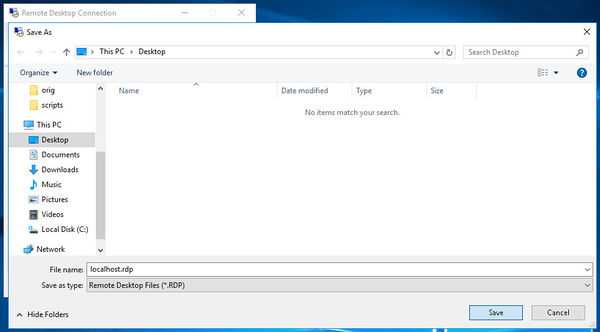
- First, create an RDP file (see attached a screenshot on how you can save it)
- Rightclick the .rdp file and edit in Notepad or your favorite code editor
- Add the following code at the end of the file
username:s:Administrator
authentication level:i:2
nablecredsspsupport:i:0
You can now double-click the .rdp file to launch a connection.
Was this answer helpful?